
Effective behaviour management starts with predictability.
Teachers can use online classroom timers to reduce transition anxiety and increase student accountability by turning abstract minutes into a visible countdown.
By visualising time, students transition from “external discipline” to “internal self-regulation,” creating a calmer learning environment where a neutral, ticking third party clearly defines expectations.
The Science: Cognitive Loading and Behaviour Management
| Focus Duration | Behavior Management Goal | Ideal Student Outcome |
|---|---|---|
| 1-3 Minutes | Rapid Transition: Clearing desks, moving to the carpet, or switching resources. | Reduces anxiety by turning “rushed” moments into a predictable game. |
| 5-10 Minutes | Stamina Building: Independent work blocks or “Brain Breaks.” | Builds the executive function needed to maintain focus without teacher prompting. |
| 20 Minutes | Deep Work: Sustained writing or project-based learning. | Aligns with natural attention spans to prevent “Topical Friction” and acting out. |
The “Transition Stacking” Method
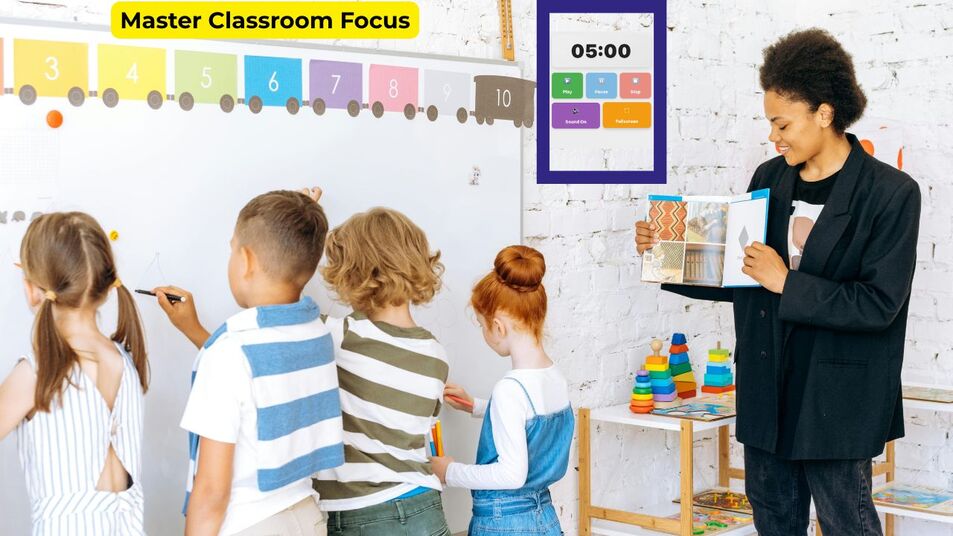
The most effective way to manage a busy classroom is through Transition Stacking. This involves using a high-visibility 5-minute timer for kids for the main task, followed immediately by a shorter interval for the physical movement of resources.
This “stack” ensures that the momentum of the lesson isn’t lost in the friction of moving from desks to the carpet.
Implementation Table: Classroom Activity Protocol
| Duration | Classroom Activity | Behavioural Goal | Recommended Tool |
|---|---|---|---|
| 1 Minute | The “Lightning Tidy” | Rapid organisation | 1-Minute Timer |
| 3 Minutes | Think-Pair-Share | Collaborative talk | 3-Minute Timer |
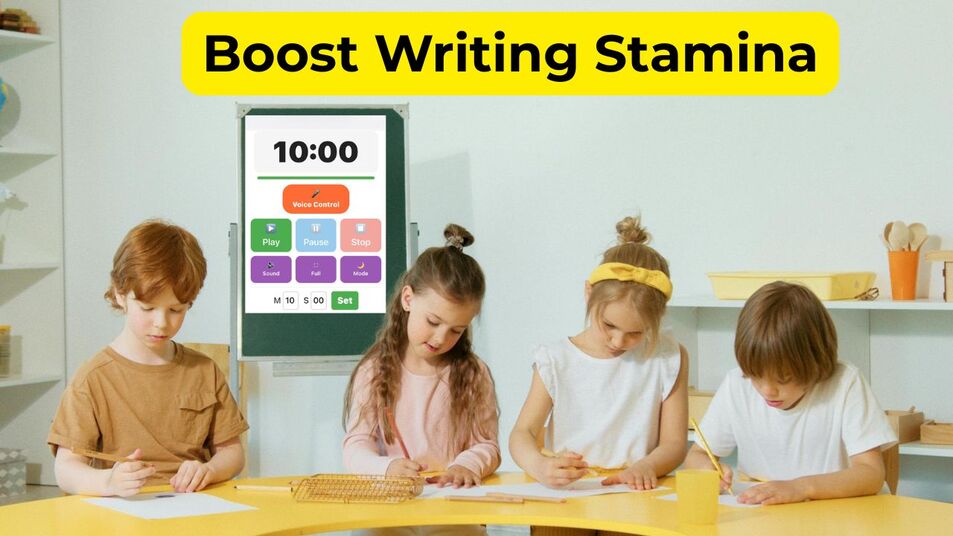
| 10 Minutes | Independent Writing | Sustained focus | 10-Minute Timer |
Step-by-Step Guide: Launching Your First Timer Activity
- Set the Expectation: Explain exactly what the “Success Criteria” look like before the timer starts.
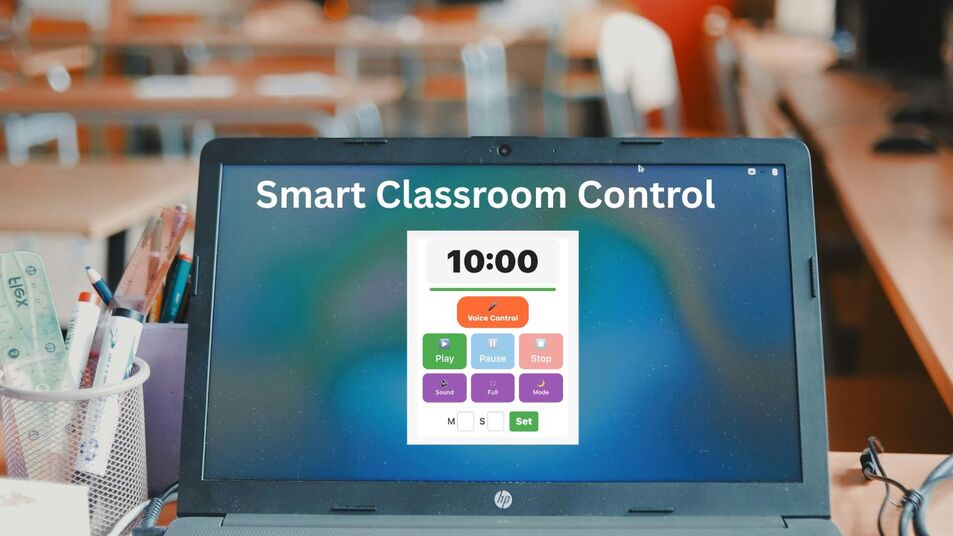
- The Visual Hook: Cast the countdown onto the main whiteboard for all to see.
- The Half-Way Check: Give a verbal praise cue when the timer hits the 50% mark.
- The Silent Countdown: For the final 10 seconds, use a hand signal rather than your voice.
- Positive Reinforcement: Reward the “Beat the Clock” winners to gamify the behaviour.
Advanced Strategies: Behaviour Management Through “Topical Friction”
To prevent a lesson from stalling, expert educators use Interval Stacking to maintain engagement.
For example, scheduling a “Brain Break” between heavy segments of Maths or English prevents “Topical Friction,” a state where students’ cognitive load becomes over-saturated, leading to disruptive outbursts.
By proactively scheduling these breaks, you satisfy the natural Ultradian Rhythms of your pupils, the biological cycles that dictate focus and energy levels.
While younger students thrive on 5 or 10-minute intervals, older pupils can master advanced behaviour management by working toward 25-minute “deep work” blocks followed by structured recovery periods.
This rhythmic approach ensures they remain refreshed and neurologically ready for the next learning block.
Common Pitfalls: Why Timers Can Sometimes Increase Stress
Even with the best tools, behaviour management can falter if the implementation is perceived as a threat rather than a support system. To ensure your classroom remains a calm environment, avoid these three common mistakes:
- The Loud Alarm Trap: Jarring, high-pitched sounds can startle sensitive or neurodivergent students, triggering a “fight-or-flight” response rather than a smooth transition. Always opt for visual cues or soft chimes.
- Negative Consequences: Avoid using the timer to “shame” students who work at a slower pace. Instead, use the countdown to celebrate progress and provide a neutral boundary for everyone.
- Inconsistency: Using timers only when you are stressed creates a negative association. For effective behaviour management, timers should be a permanent, calm fixture of the room’s daily rhythm.
Pro-Tip for 2026: If a student is consistently “beaten by the clock,” don’t shorten the time. Instead, break the task into smaller chunks using a 5 minute timer to provide more frequent “success points”
Personalisation & Discovery: Scaling Behaviour Management
To further maximise the impact of your classroom programme and refine your approach to behaviour management, explore these expert-vetted internal resources:
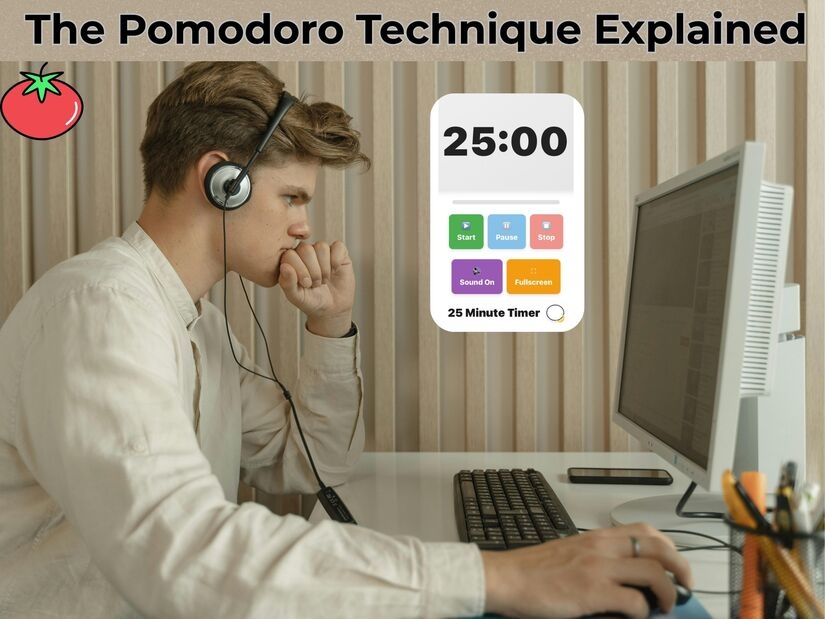
- Deep Work for Seniors: Learn how to implement the 25-minute Pomodoro protocol to help older students build the sustained writing stamina required for advanced exams.
- Engineering Peak Focus: Explore our Daily Schedule Protocol to see how to stack different timer durations for a perfectly balanced learning day.
The “Visual Cue” Hierarchy for Neurodiversity
Note for Educators: Effective behaviour management isn’t one-size-fits-all. For neurodivergent learners (ADHD or Autism), the “ticking” of a clock can be either a grounding rhythm or a source of sensory overload.
- • The “Red Disk” Visual: Use a 1 Minute Timer for high-anxiety transitions. It shows the “volume” of time decreasing without the pressure of numerical digits, making shifts feel more natural.
- • The Silent Countdown: Essential for “Deep Work,” where auditory processing issues might cause a student to fixate on sound rather than the task. Use a silent interface to protect their focus.
Game-Based Behaviour Management: The “Beat the Clock” Protocol
Most academic resources treat behaviour management as a clinical intervention, but in a real-world classroom, the most effective tool is gamification. This protocol transforms the timer from an enforcer into a “neutral challenger”
The Social Contract: State the expectation clearly: “If we are ready to learn before the timer hits 0:00, we earn extra choice time”.
Scaling the Challenge: As the class improves, increase the complexity by using a 15-minute timer, challenging them to complete a multi-stage cleanup before the buzzer sounds.
Scaling Autonomy: Transitioning to Independent Focus
The ultimate goal of any behaviour management strategy is for students to eventually develop self-regulation, a process we call “Fading the Scaffold”. By gradually increasing the time students spend managing their own focus, you prepare them for the rigours of independent study.
- Guided Independence: As students master short transitions, move them toward sustained “Deep Work” blocks.
- The Bridge to Self-Regulation: For upper primary and secondary students, setting a 20 minute timer serves as the perfect bridge between teacher-led tasks and fully independent study.
- Biological Alignment: This 20-minute window aligns with the natural attention spans of older children, ensuring they remain refreshed and neurologically ready for the next learning block without becoming overwhelmed.
Neurological Safety: Predictability as a Regulatory Tool
For many students, particularly those with trauma histories or sensory processing disorders, an unpredictable environment is a direct trigger for the nervous system’s “threat response”.
When a teacher suddenly announces the end of an activity, the brain can perceive it as a loss of control, leading to “meltdowns” or defiance.
By consistently using an online timer, you are providing neurological safety.
A visual countdown acts as a “buffer” that allows the brain’s amygdala to remain calm, knowing exactly when a shift in demand will occur.
This is known as proactive regulation, where the environment does the heavy lifting of behavior management before a conflict even starts.
Expert Resource: To dive deeper into the clinical side of classroom triggers, read the Child Mind Institute’s Complete Guide to Managing Behavior Problems.
This guide explains how environmental adjustments, like visual warnings and clear time-limits can bypass the “fight-or-flight” response in students with ADHD, anxiety and trauma.
Managing Collaborative Friction: The 30-Minute Project Sprint
Group work is often where behaviour management is most tested. Without a clear “External Controller,” groups can easily descend into social distraction or conflict.
A 30 minute timer provides the perfect boundary for a multi-stage collaborative project, allowing for a structured “Beginning, Middle, and End.”
- Stage 1: The Huddle (5 Mins): Groups use the first five minutes to delegate roles and plan.
- Stage 2: The Production (20 Mins): The “Core Work” phase, where the visual countdown keeps the group from over-discussing and under-producing.
- Stage 3: The Gallery Walk (5 Mins): The final five minutes are used to tidy the station and view other groups’ work.
By using a longer duration, like 30 minutes, you are teaching students Project Management, a life skill that sits at the top of the “Behavioural Autonomy” pyramid.
External Authority: Supporting Self-Regulation
To understand the long-term benefits of this kind of structured timing, we can look at the research from CASEL (The Collaborative for Academic, Social, and Emotional Learning).
Expert Resource: Explore CASEL’s Framework for Systemic Social and Emotional Learning. Their research proves that “Self-Management”—one of their five core competencies—is directly improved when students are given tools like timers to help them monitor their own progress toward a goal without constant adult intervention
Scaling Success with Multi-Duration Timers
While a 5-minute online timer for behaviour management is the gold standard for transitions, mastering a classroom requires a full “Duration Toolkit.” Relying solely on one interval ignores the diverse cognitive demands of a school day. By scaling your timing strategies, you address different neurological needs:
- The 1-minute “Sprint”: Perfect for high-intensity organisation and “Lightning Tidies.”
- The 15-minute “Flow State”: The ideal duration for mid-level tasks where students need to move past task-initiation hurdles.
- The 30-minute “Deep Work” block: Essential for project-based learning and building the executive function required for secondary education.
The “Why” Behind the Variety
Using varied durations prevents “timer fatigue.” If students only ever see a 5-minute clock, they begin to associate all timed tasks with “rushing.” By introducing longer, calmer countdowns for deep work, you teach them that behaviour management isn’t just about speed—it’s about sustained stamina and self-regulation.
Different ages and developmental stages require different time “scaffolding.” To see how these durations align with age-appropriate milestones, we can look at the Child Development Institute.
Expert Resource: Visit the Child Development Institute’s Guide to Age-Appropriate Milestones. Understanding these stages helps you choose whether to use a 5-minute “scaffold” or a 20-minute “autonomy block” based on your students’ specific developmental readiness for behaviour management.
FAQs: Common Questions on Classroom Online Timer Activities
How do online timers help with ADHD in the classroom?
Timers provide a “concrete” representation of time. Seeing the countdown helps students with ADHD pace themselves and reduces the panic often associated with unfinished tasks.
What is the best timer for a quick tidy-up?
A 60-second interval is ideal. It creates a sense of urgency and “gamifies” the tidying process, making it a challenge rather than a chore for younger children.
Can timers be used for group work?
Absolutely. Using a fixed duration for “Think-Pair-Share” ensures that no single student dominates the conversation and that the lesson maintains a brisk, engaging pace.
What if students become anxious about the clock?
Focus on “Personal Bests” rather than competition. Use the timer as a helpful guide to show how much “learning time” is left, rather than a strict deadline for perfection.
Conclusion: Reclaim Your Teaching Time
Online timers are more than just clocks; they are invisible teaching assistants. By implementing these classroom online timer activities, you reduce the need for verbal reprimands and empower your students to take charge of their own productivity.