
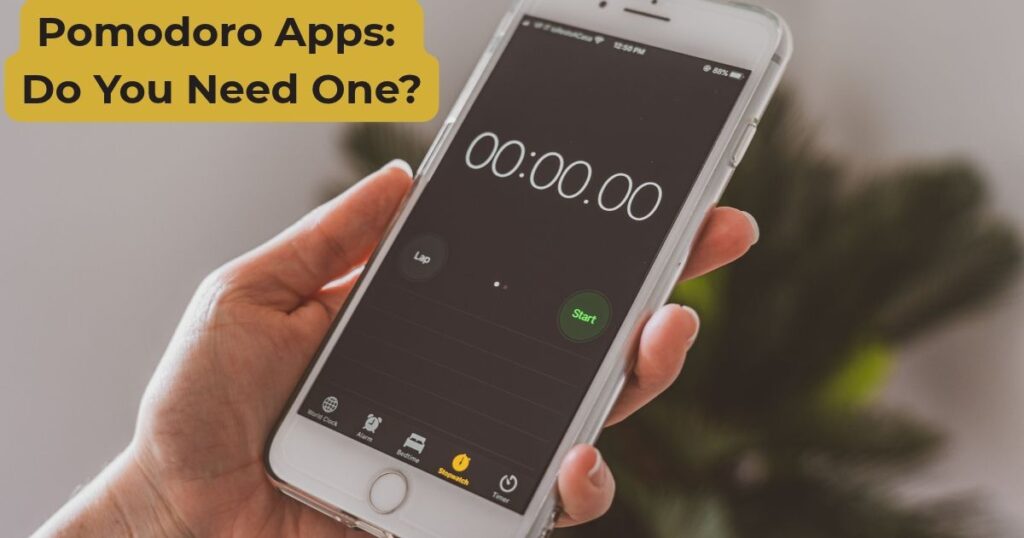

Search for the best Pomodoro app and you’ll find dozens of near-identical lists ranking the same ten names. What most of them skip is the actual question worth asking first: does a Pomodoro app do anything a free timer doesn’t, or are you paying a subscription for a tomato-shaped reminder to do what a kitchen timer already does for free?
The honest answer is: sometimes yes, sometimes no. It depends on what’s actually stopping you from focusing.
What a Pomodoro App Adds Over a Plain Timer
A basic timer does one job: counts down and tells you when to stop. That’s genuinely enough for a lot of people, it’s the entire premise of the Pomodoro Technique itself, built on a kitchen timer with no other features at all.
Where an app earns its place is in the extras layered on top of the countdown:
- Distraction blocking. Apps like Otto and Flow can block specific websites or apps on your computer for the length of the session, which a browser tab obviously can’t do for you.
- Session tracking. Logging how many Pomodoros you complete over days or weeks, useful if you want a record of focus time rather than just the session itself.
- Device sync. Some apps carry your timer and stats across phone, laptop, and tablet, handy if you genuinely switch devices mid-task.
- Gamification. Forest is the best-known example, a virtual tree grows while you stay off your phone, and withers if you leave the app early. It works for some people as a nudge; others find the visual itself becomes one more thing to check.
None of this changes how the Pomodoro Technique works. It changes how much friction there is around using it, and whether you’re willing to pay a monthly fee for that.
The Best Pomodoro Apps to Know About
Six names come up repeatedly across current roundups of Pomodoro apps, and it’s worth knowing roughly what each one actually does before you pick one.
Forest (iOS, Android, and browser extensions) is free with an optional paid tier, and its whole hook is the growing-tree mechanic. It’s popular, but it’s also been criticised for feeling sluggish and for the gamification itself becoming a distraction.
Session (Mac and iOS only) is the most feature-dense option, Apple ecosystem sync, calendar integration, breathing prompts, Shortcuts support, but it carries a genuine subscription cost for most of that. If you just want a timer, it’s a lot of app for the job.
Otto is a browser extension rather than a native app, which makes it one of the few decent options if you’re on Windows, since most polished Pomodoro apps are Mac or mobile first. It blocks distracting sites alongside the timer.
Pomodor is about as basic as it gets: a free, no-install browser timer with the countdown shown right in the tab title. No account, no subscription, no gamification, just a clock.
Flow (Mac, iPhone, iPad, and Apple Watch) is a minimalist, Apple-only alternative to Session at a fraction of the price, paid plans start around $1.49/month, and it can still block distracting apps and sites on Mac. If you want Session’s app-blocking without Session’s subscription cost, this is the closer-to-affordable option.
Pomofocus is web-based like Pomodor, but with more structure built in: a single dashboard, no ads, and Todoist integration if you’re already tracking tasks there. It’s free to start, with paid plans from around $3/month for the extras. One thing worth knowing: some users report the alarm sound not playing reliably in iOS Safari.
Pricing on all of these shifts often enough that it’s worth checking each app’s own store listing before committing to a paid tier, roundups (including this one) can go stale on exact numbers within months.
When an App Is Actually Worth It
An app earns its keep when the problem you’re solving is bigger than “I need a countdown.” A few genuine cases:
- You need website or app blocking because willpower alone isn’t cutting it during sessions.
- You want a running record of focus time across weeks, not just a single session.
- You’re already deep in one ecosystem (Apple, in particular) and the sync and automation genuinely save you time.
If none of that applies, you’re probably better served by a free timer and your own discipline about closing tabs. Our 25-minute Pomodoro timer does the one job an app does, start, count down, alert you, without an account, a subscription, or a tree to keep alive.
The Case Against Phone-Based Timers Specifically
Worth flagging directly: if focus is the goal, running your timer on the same phone that’s pinging you with notifications works against the point. Several of the better-known apps exist specifically to block the rest of your phone while the timer runs, which is really a workaround for the phone being the distraction source in the first place.
A browser timer on your laptop, or a separate physical timer, sidesteps that problem entirely rather than solving it with another layer of software. If you’re working from a desktop anyway, our interval timer settings guide covers getting the countdown and alert set up without needing a phone in reach at all.
FAQs: Pomodoro Apps
Do I need an app to use the Pomodoro Technique?
No. The method was built around a kitchen timer with no other features. An app only helps if you specifically need distraction blocking, cross-device sync, or session tracking, none of which the technique itself requires.
What’s the best free Pomodoro app?
Pomodor (browser-based, no install), Forest’s free tier, and Pomofocus are the most commonly recommended free options, though the paid tiers on Forest and Pomofocus unlock more tracking and task features
Are paid Pomodoro apps worth it?
Only if you’re using the extras. Session, for example, is genuinely useful if you’re deep in the Apple ecosystem and want calendar and Shortcuts integration, but it’s expensive for someone who just wants a 25-minute countdown.
Can I use a browser tab instead of an app?
Yes, that’s essentially what a web-based timer is. It avoids phone notifications entirely and needs no account or subscription.
Do Pomodoro apps work for ADHD?
Some of the distraction-blocking features can help, but timing itself matters more than the app. Our Pomodoro Technique for ADHD guide covers adjusting interval length and adding external urgency, which applies whether you’re using an app or a plain timer.
Getting Started
Before downloading anything, try a single session with a free browser timer first. If the countdown alone is enough to get you working, you’ve saved yourself a subscription. If you find yourself needing to block distracting sites or want a longer-term record of your sessions, that’s the signal an app is actually worth adding.








[…] time, see our focus session tracking guide. Or if you’d rather not track sessions manually, our Pomodoro apps guide covers which apps log them automatically, and which ones aren’t worth paying for just to get that […]